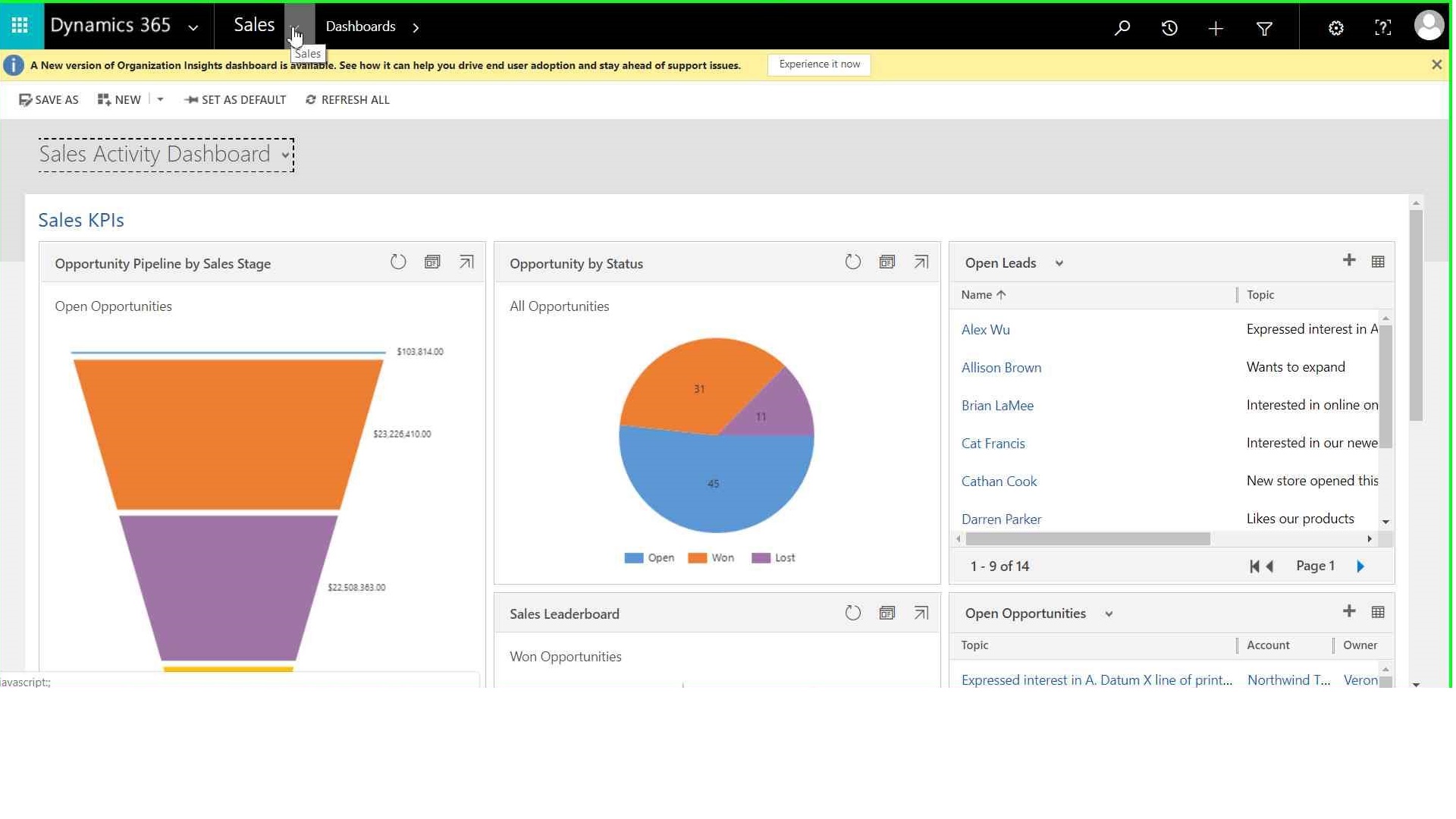
There are two ways you can create Business task flow in MS D365.
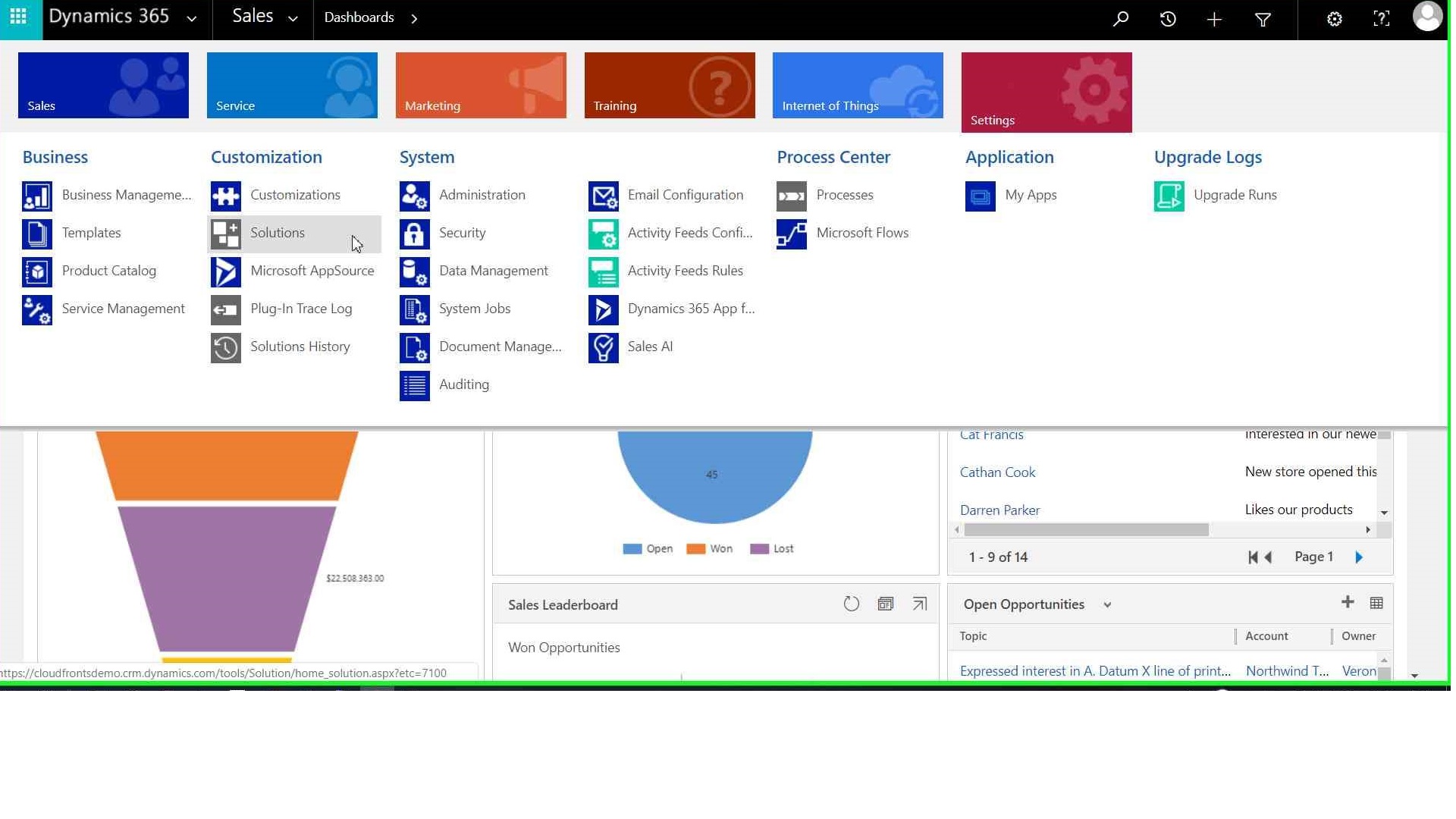
Way 1 : Directly in default solution from settings > process area
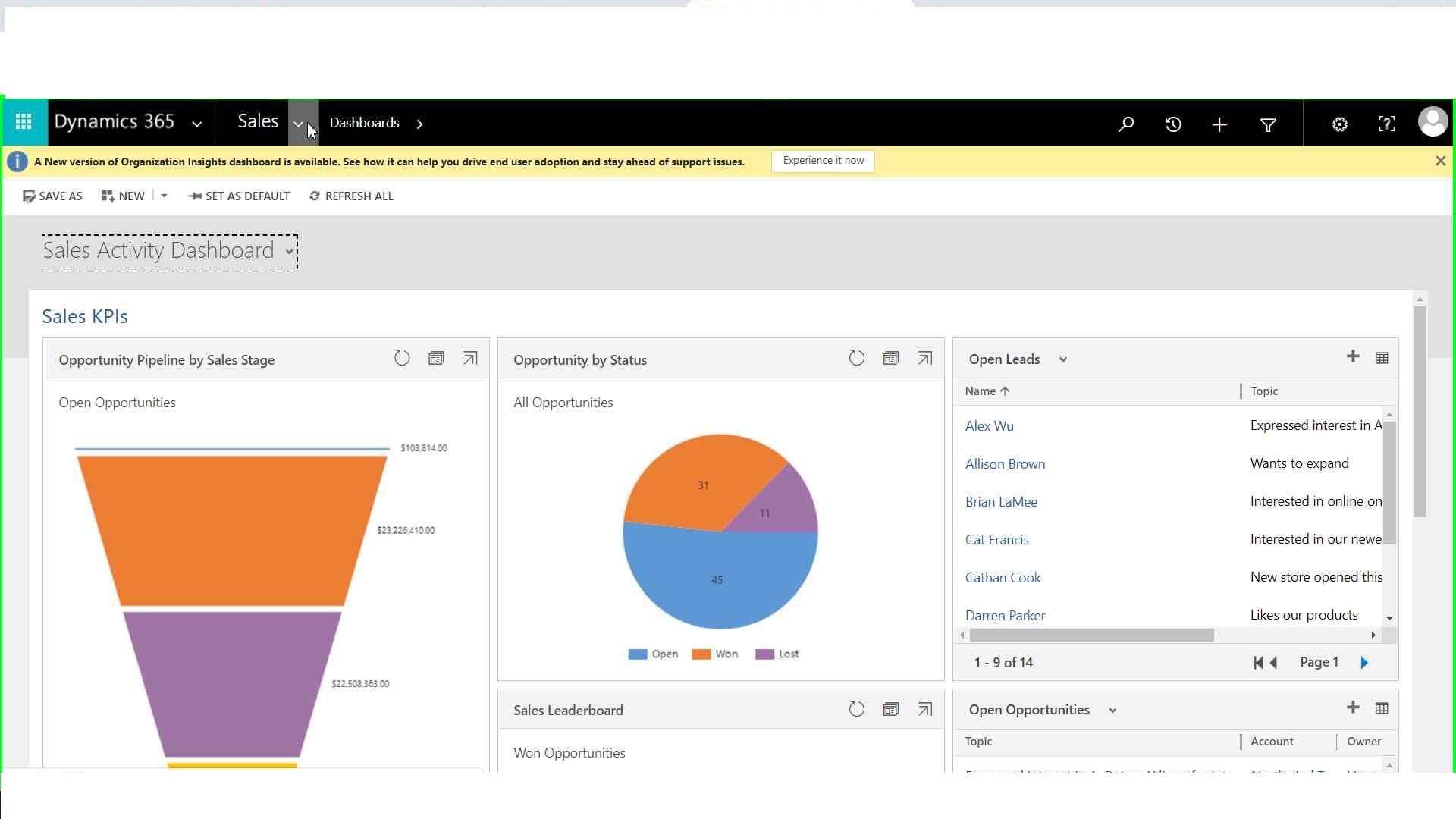
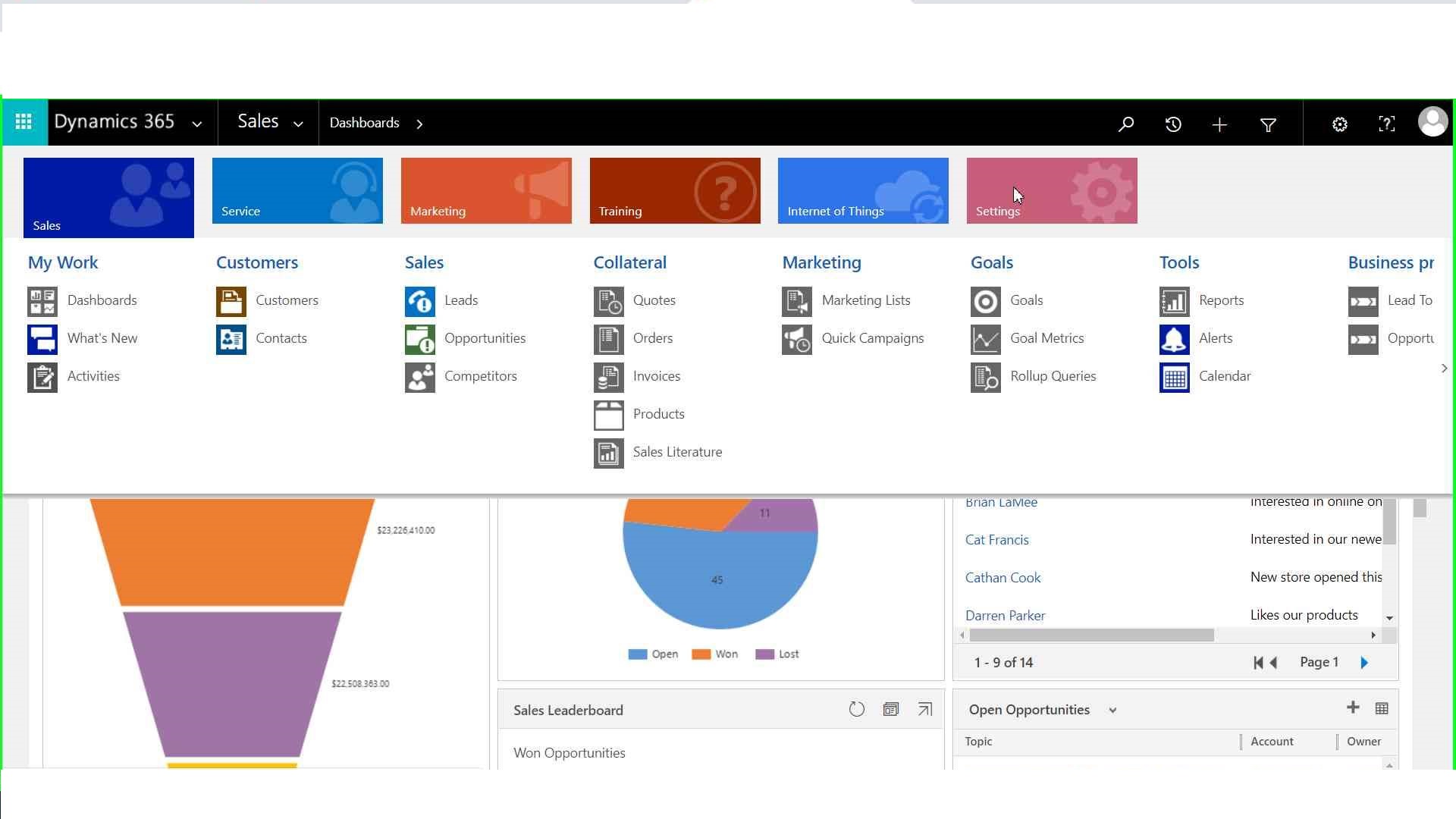


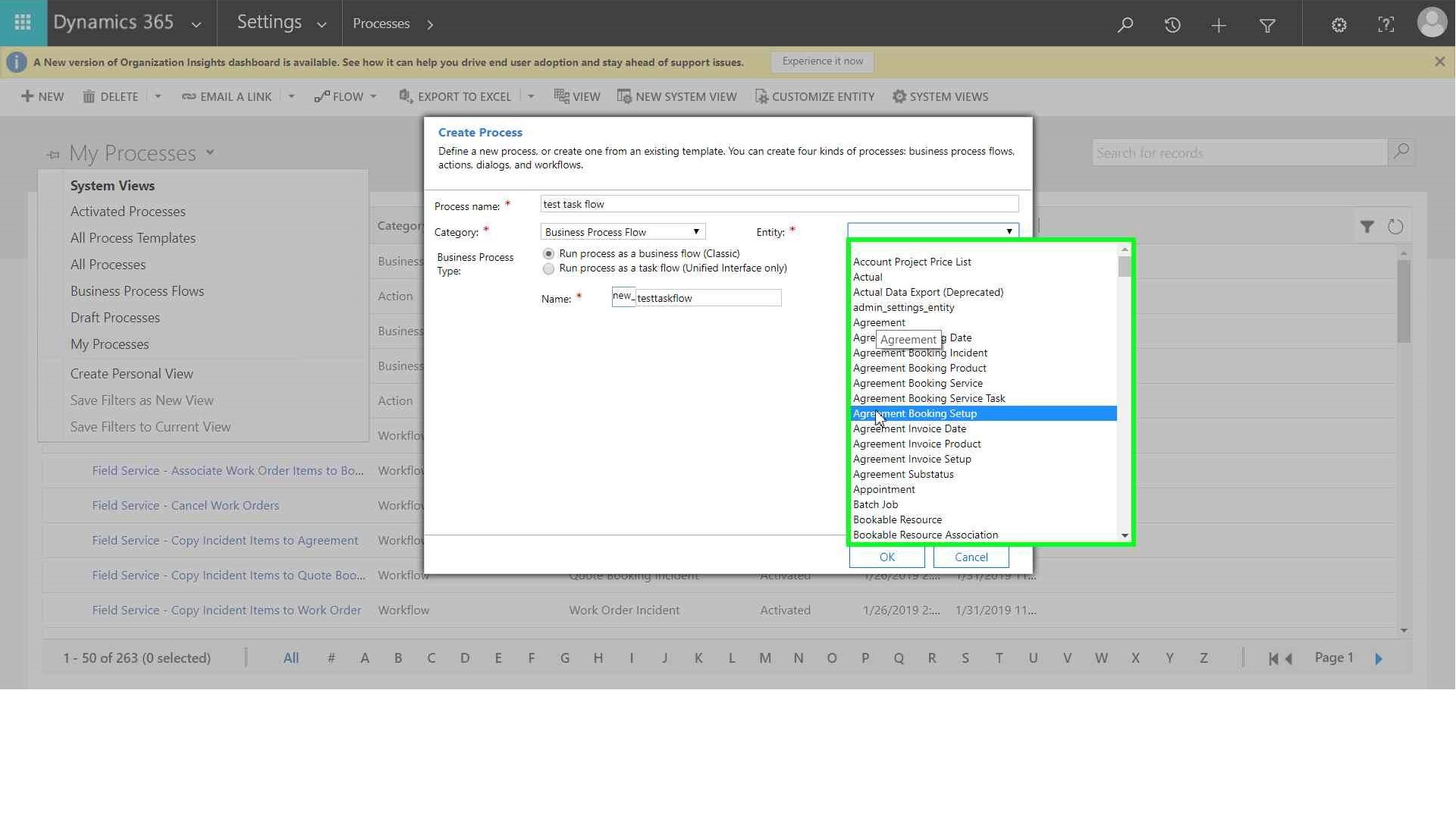
Select process type as “Business process flow”
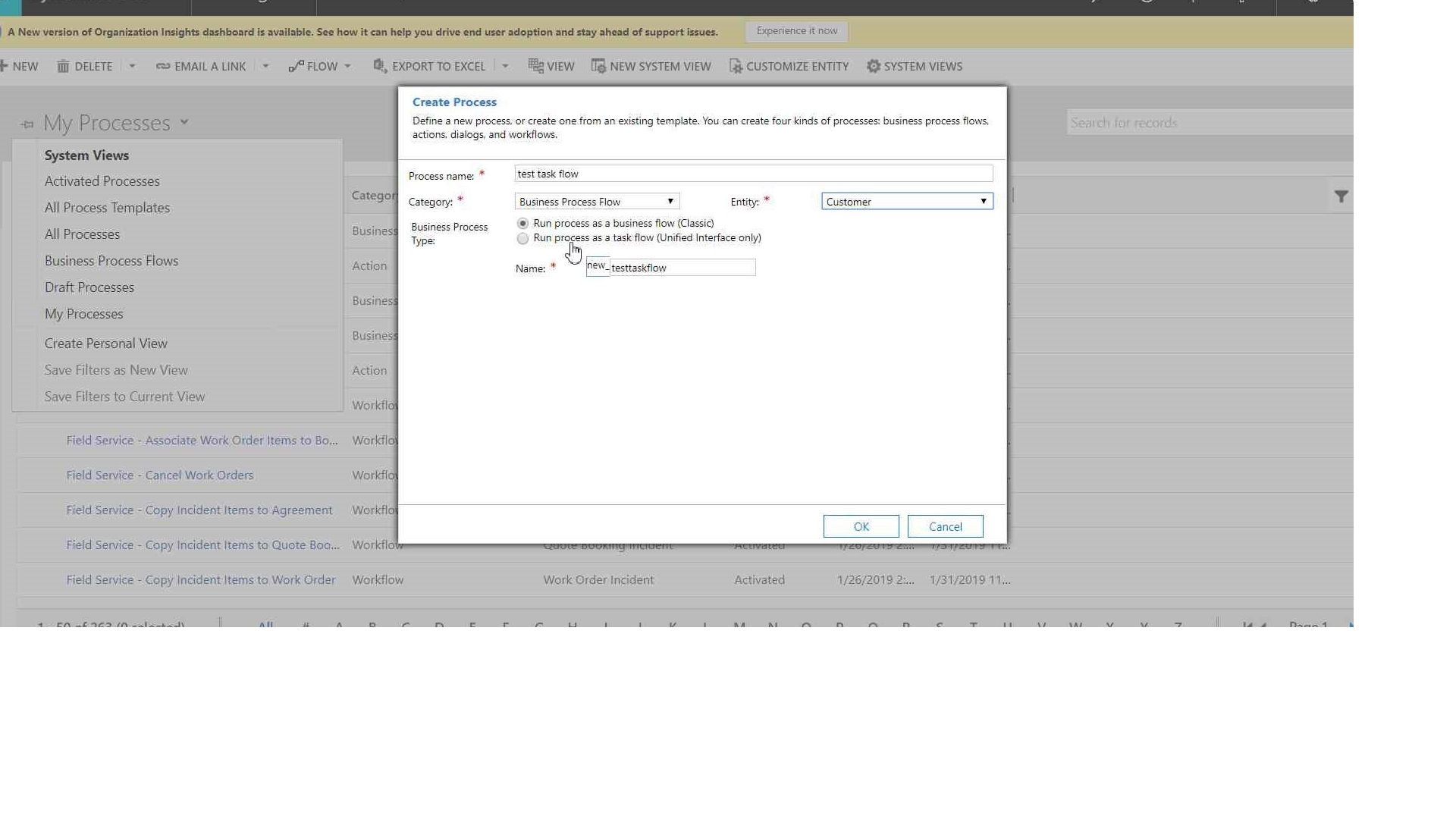

Way 2 : In specific Solution , Solution > component > Process Section.



Click OK,
Hope it helps!
Thanks

 The Tech Burst
My programmer is trying to convince me to move to .net from PHP.
I have always disliked the idea because of the costs.
But he’s tryiong none the less. I’ve been using Movable-type on a variety of websites for about a
year and am anxious about switching to another platform.
I have heard good things about blogengine.net. Is there a way I can import all my wordpress content
into it? Any help would be greatly appreciated!
LikeLike
An outstanding share! I have just forwarded this onto a colleague who
had been doing a little research on this. And he in fact bought me breakfast simply because I found it for him…
lol. So allow me to reword this…. Thanks
for the meal!! But yeah, thanks for spending time to talk about this subject
here on your site.
LikeLike
I was suggested this web site by my cousin. I am no longer certain whether this publish is written via him as no one else recognize such certain approximately my
problem. You’re amazing! Thanks!
LikeLike
I’m gone to convey my little brother, that he should also pay a quick visit this weblog on regular basis to get updated
from most recent reports.
LikeLike