Issue I faced in SSRS reports customization and found the solution
Issue : Customized Reports, when you saved as PDF from report viewer of CRM always have blank page in it or extra page even there is no data on page one.
Solution :
Modifying the page width which must be greater than or equal to width of body and margin of report.
So I had report with width as 21cm and its margin is 0.75 left and 0.75 right .

And same report’s body have width of 19.96214

When you upload the report which has above Size set .
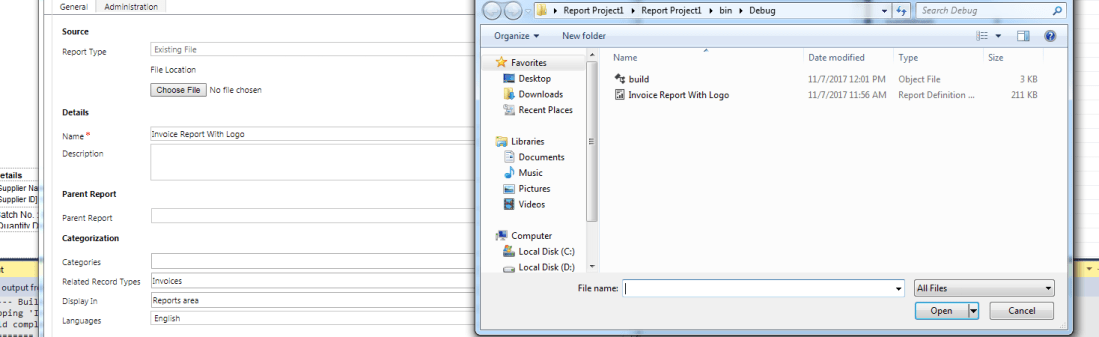
Reports which will be displayed will be as expected.

But when you click Save > Save as PDF , the file which will be downloaded will have two page in it
One page will have content and another will have header and footer but no body, which is wrong
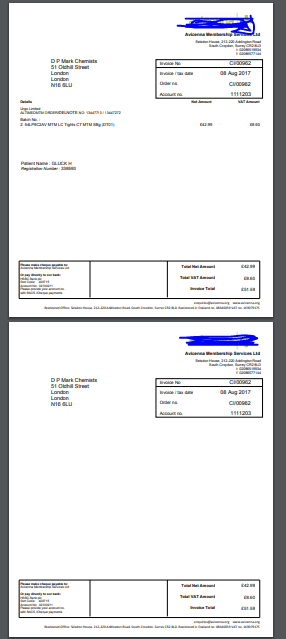
To Solve this issue just change the width of Page
Remember : Page Width should be >= Page Right margin + Page Left Margin + Body width .
In my case it was
21 >= 19.96214 + 0.75 + 0.75 = false
but now it is
22 >= 19.96214 + 0.75 + 0.75 = true
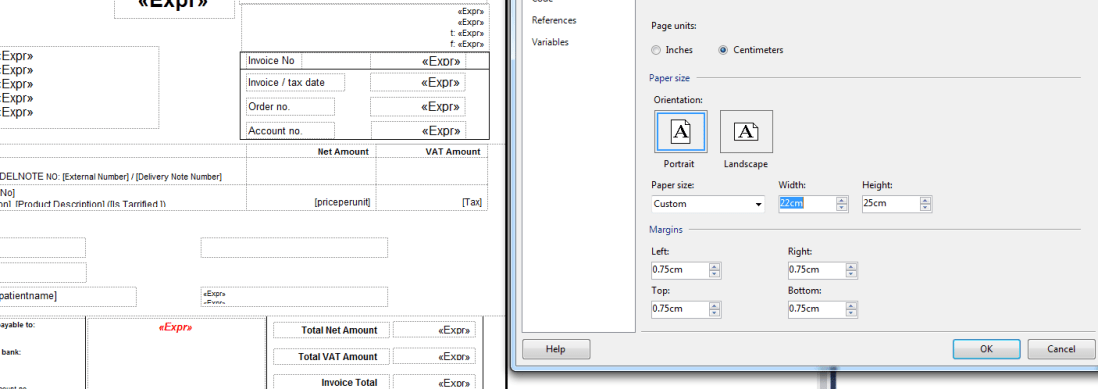
And body has unchanged width.
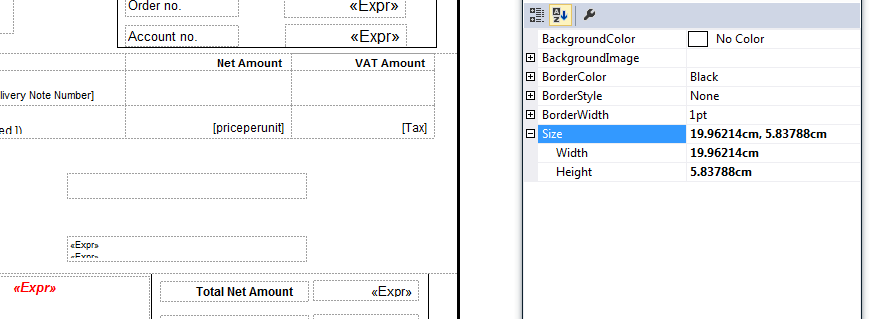
And now if you download the report.
The result will have only one page, no blank page anymore.

 The Tech Burst